Mixing & Analysis
Measured mix analysis, a mixing agent that answers from the numbers, gain staging in one pass, and a full set of meters.
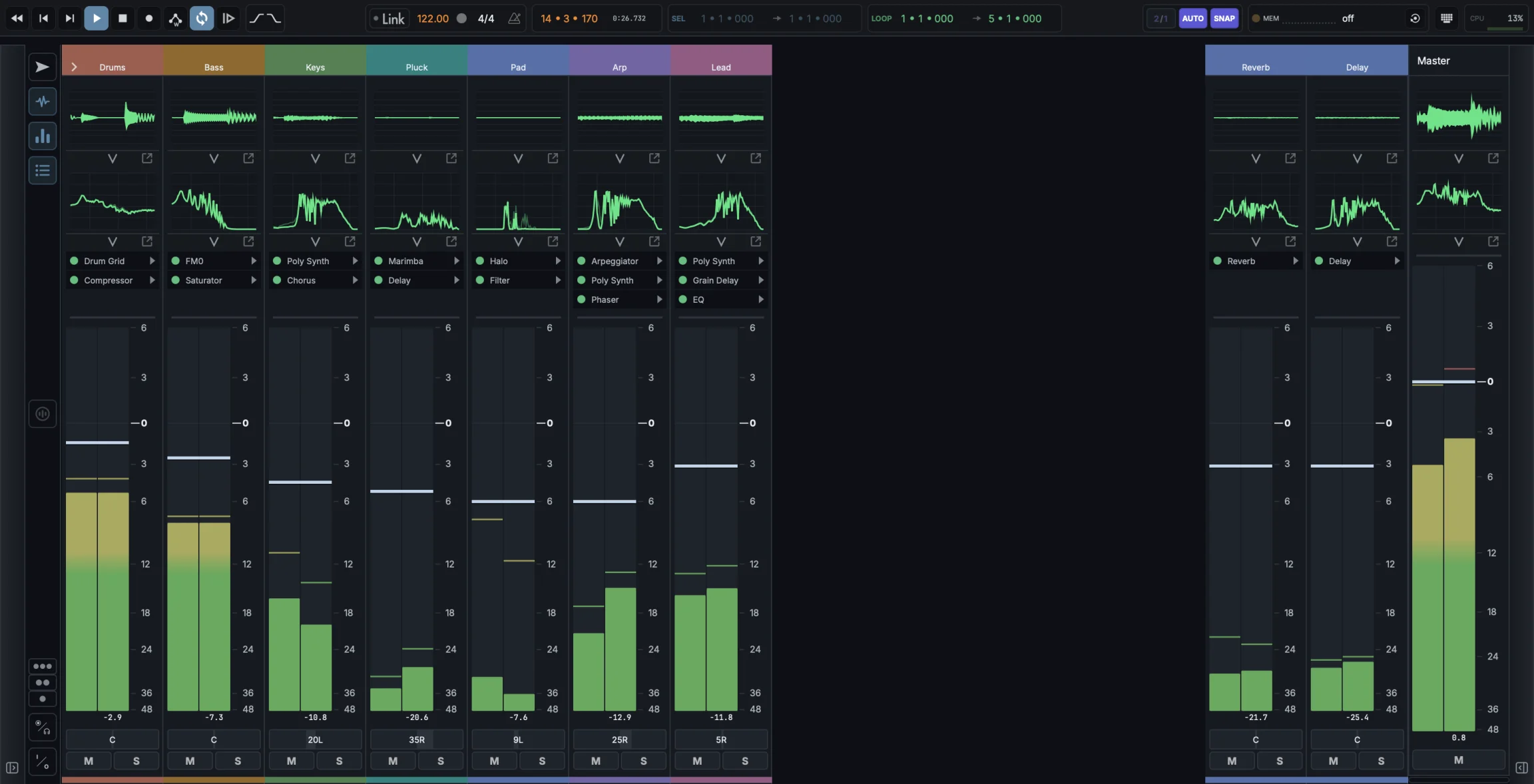
Mix analysis. Press Analyze in the Mixer and MAGDA measures the mix, over the loop if one is set or the whole song if not. For every track and the master it reports loudness, sample and true peak, dynamics, stereo correlation and width, and tonal balance. It also finds where two tracks mask each other, with the frequency range and how bad the collision is. Select a few channel strips first to measure just those.
Mixing agent. In the Mixer, the AI chat talks to a mixing agent that reads those measurements instead of guessing from track names. Ask what's fighting with the bass, whether the master is loud enough for streaming, or which tracks fall apart in mono, and it answers from the numbers, with level trims and EQ ranges to look at. It advises and leaves the moves to you: it doesn't touch a fader or a device.
Gain staging. Click the gain-staging button on a track's chain, set a target peak (−12 dBFS by default), play a section and stop. MAGDA trims every device's output so each stage lands on the target, only ever turning down, and marks each fader it moved. The whole pass is one undo. Tick Use AI and an agent makes the musical calls instead: driving a saturator a little hotter for colour, easing off into a limiter at the end of the chain, setting the level going into a compressor.
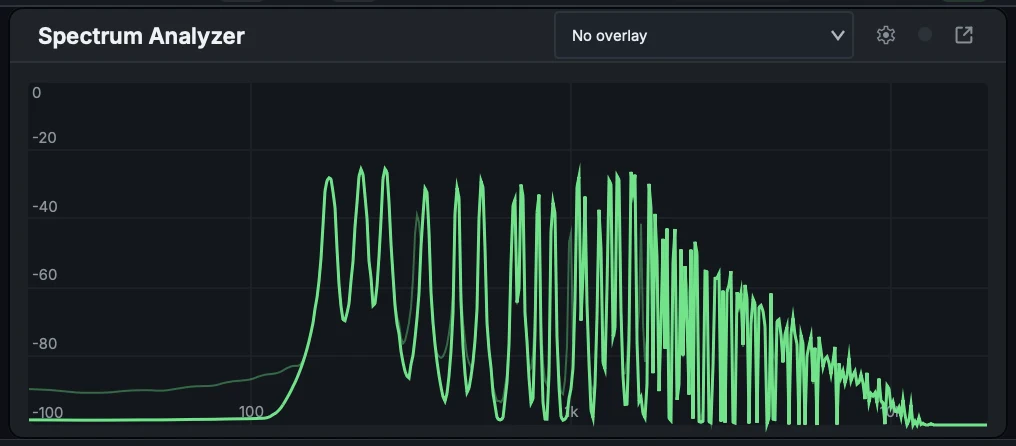
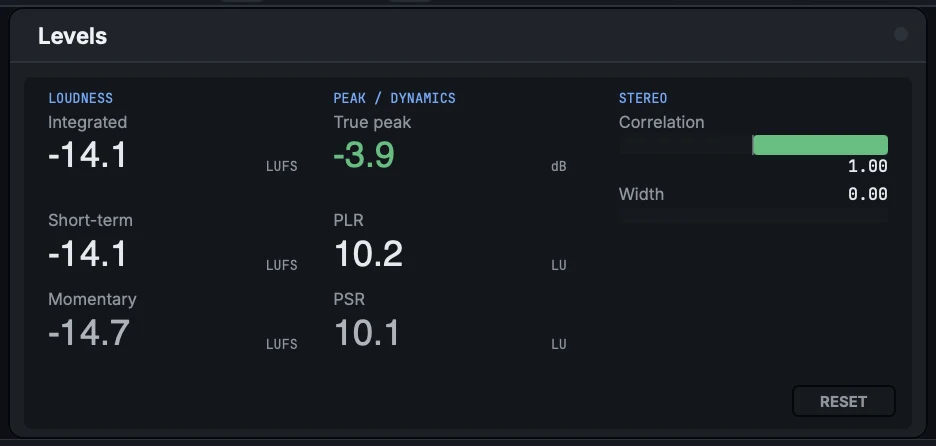
Meters. The analysis devices back it up: an Oscilloscope with a stable trigger, a Spectrum Analyzer that overlays other tracks and shades where they mask, and a Levels meter with LUFS, true peak, PLR, PSR, correlation and width. Turn on the Oscilloscope or Spectrum toggle in the Mixer and each strip that carries one shows a mini version.
- One-click mix analysis, over the loop or the whole song
- Loudness, sample and true peak, dynamics, correlation, width and tonal balance per track
- Masking detection: which two tracks collide, where, and how badly
- A mixing agent that answers from the measurements, scoped by channel selection
- Gain staging to a target peak in one pass, with one undo
- An AI gain-staging pass that weighs saturators, compressors and limiters
- Spectrum overlay, Levels meter, and mini scopes and spectra on the strips
- EQ draws the live input and output spectrum behind its curve